Bring your photos to life
on your wrist.

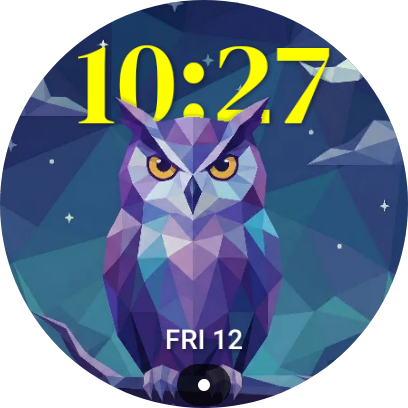
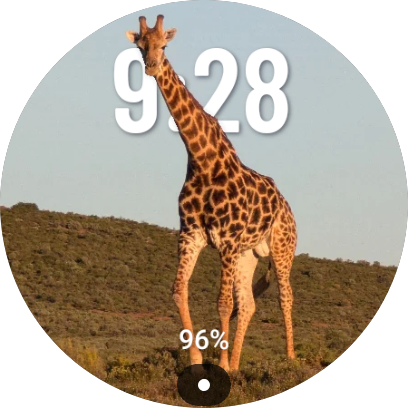
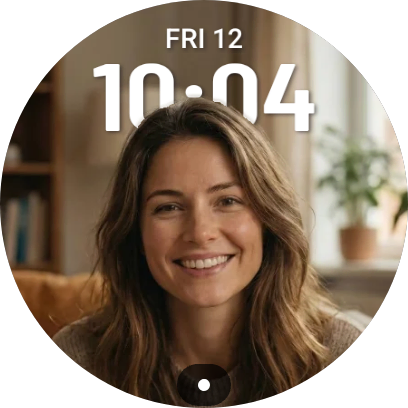
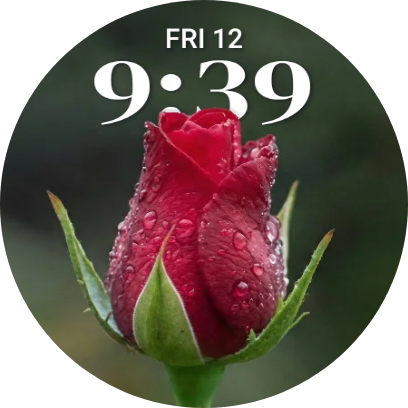
Turn standard 2D pictures into cinematic 3D portraits. The background shifts subtly as you move your wrist, creating a premium depth effect.

Why you'll love it
Cinematic Depth
Intelligent depth estimation separates your subject from the background, creating a realistic parallax effect that moves with you.
Any Photo
Works with selfies, pets, or landscapes. You do not need a special Portrait Mode photo, our AI handles the magic.
Private by Design
All processing happens on your device. We never upload your personal photos to the cloud.
Customizable
Pan and zoom to frame your photo, choose fonts and colors, and add up to two complications for battery, steps, date, heart rate, and more.
Battery Safe
Built with the new Watch Face Format. Uses an efficient ambient mode when your watch is idle.
Wear OS 6+
Compatible with Galaxy Watch 8, 7, Ultra, 6 (with update), Pixel Watch 4, 3, 2, and any device on Wear OS 6 or newer.
Simple Setup
Create your 3D watch face in 3 quick steps.
Tap a step to see it in action.


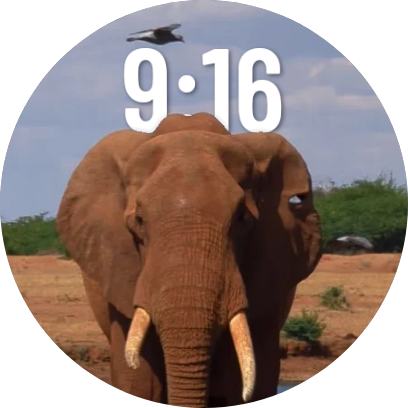
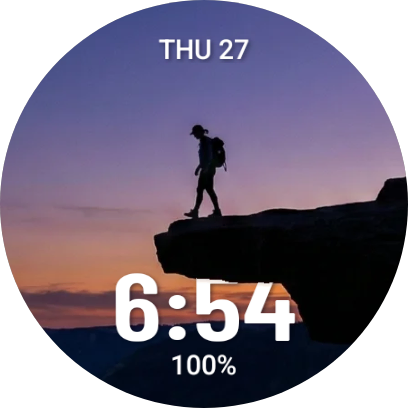
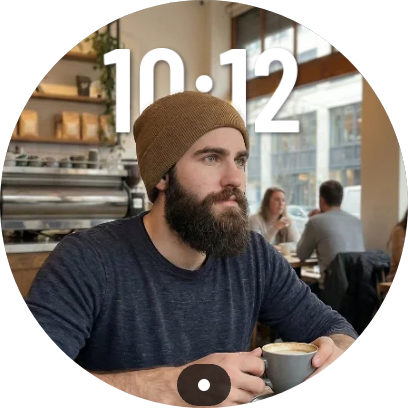
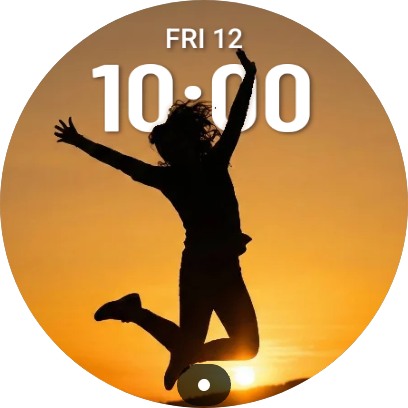
Watch Face Gallery
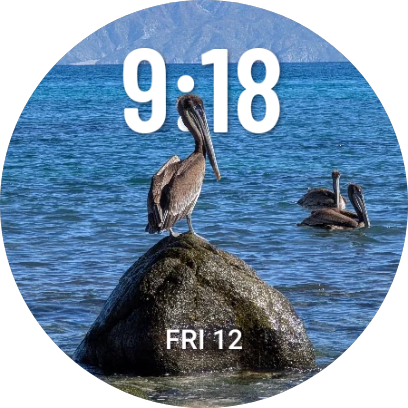
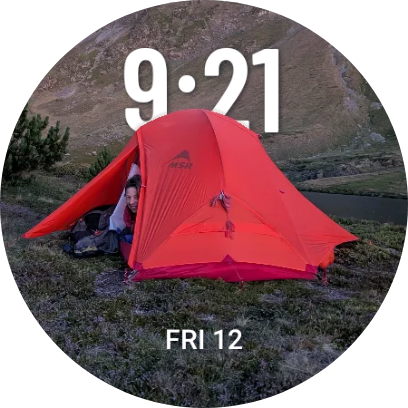
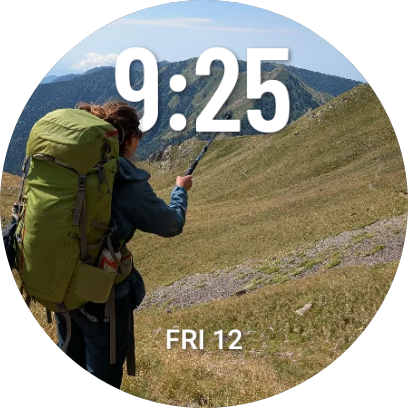
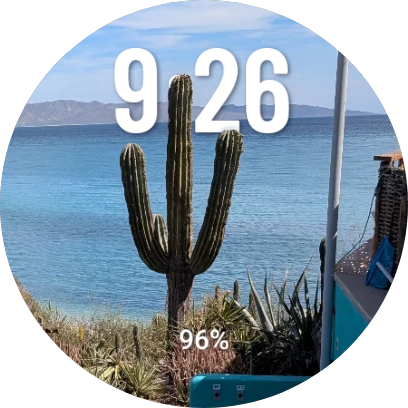
Works with any photo you love.
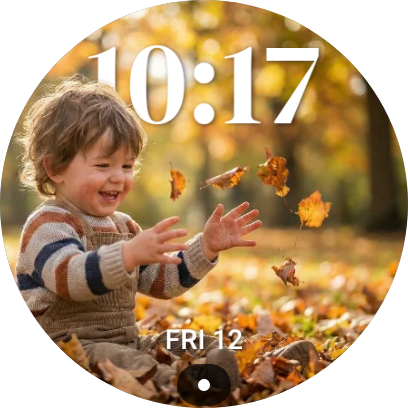
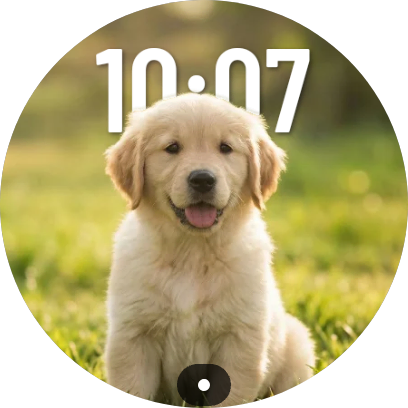
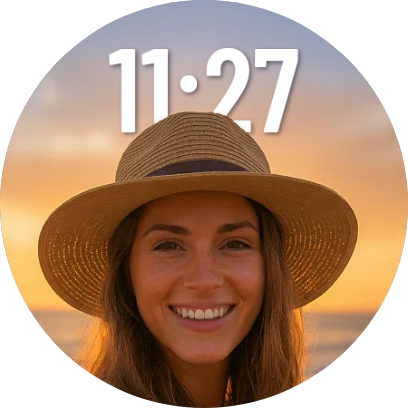
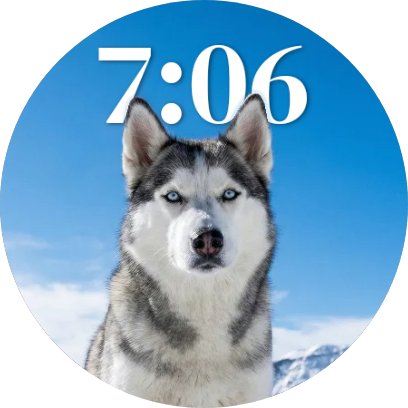
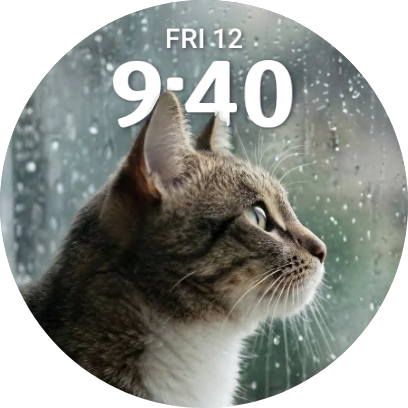
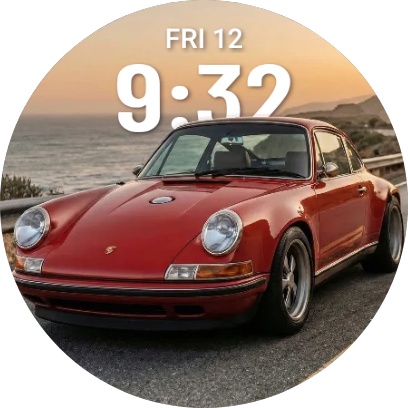
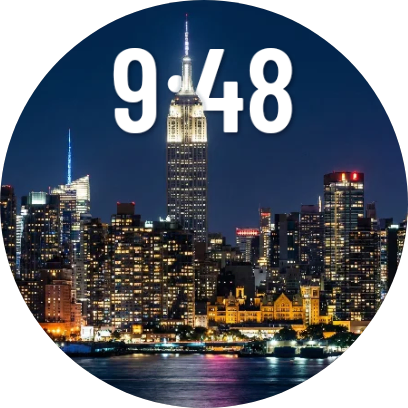
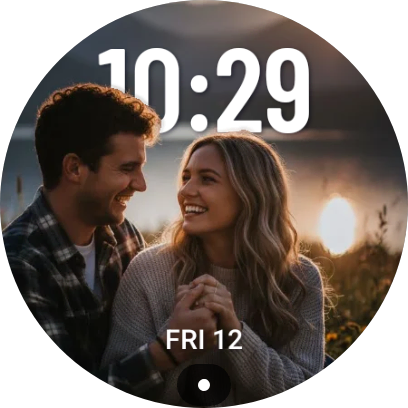

Create yours in 30 seconds
Frequently Asked Questions
Does this 3D effect drain my battery?
Do I need internet to use the app?
Are my photos uploaded or stored anywhere?
Which watches are supported?
- Samsung: Galaxy Watch 8, Galaxy Watch 8 Classic, Galaxy Watch Ultra, Galaxy Watch 7, Galaxy Watch 6 with the Wear OS 6 / One UI 8 update
- Google: Pixel Watch 4, Pixel Watch 3, Pixel Watch 2
- Other brands: Any smartwatch that has been updated to Wear OS 6 or newer
Does this work on Apple Watch or iPhone?
How do I install the watch face on my watch?
- Install 3D Photo Watch Face: Parallax from Google Play on your Android phone.
- Open the companion app, choose a photo, and customize your design.
- Tap Push to watch in the app.
- On your Wear OS watch, open the watch face picker and select 3D Photo Watch Face.
Can I use any photo, or do I need portrait mode photos?
How can I get the best 3D depth effect?
- Use a photo where the main subject is clearly in the foreground
- Avoid very dark or extremely busy backgrounds
- Make sure the subject is not too small in the frame
- Use the Align step in the app to position the subject and the time correctly
What can I customize on the watch face?
- Pan and zoom to reframe your photo
- Choose different time fonts and sizes
- Change the time color
- Position the time at the top or bottom
- Add up to two complications for things like battery, date, steps, heart rate, and other data from compatible Wear OS apps
What complications are supported?
- Battery level
- Step count
- Date and day
- Heart rate
- Other complications provided by compatible Wear OS apps
Will this app work if I change my watch or phone later?
I installed the app but I do not see 3D Photo Watch Face on my watch.
To use the 3D Photo Watch Face on your watch, you need the app installed on both your phone and your Wear OS watch.
- Install 3D Photo Watch Face: Parallax from Google Play on your Android phone.
- On your Wear OS watch, open the Play Store, search for 3D Photo Watch Face, and install it there too.
- On your phone, open the app, choose a photo, customize your watch face, and tap Push to watch.
- On your watch, open the watch face picker and select 3D Photo Watch Face from the list.
Still don't see it?
Make sure your watch is updated to Wear OS 6 or newer and uses the same Google account as your phone.
If you are still stuck, feel free to contact support. I'm happy to help you get set up.
Ready to bring your watch to life?